Tampilkan postingan dengan label Apps. Tampilkan semua postingan

Instagram+ and OgInsta+ Latest Apk Download


Do you have questions like-
  • How to download Instagram Images.
  • Can we download Instagram Videos?
  • Can we use two Instagram accounts in same device.
  • Share image's URL.
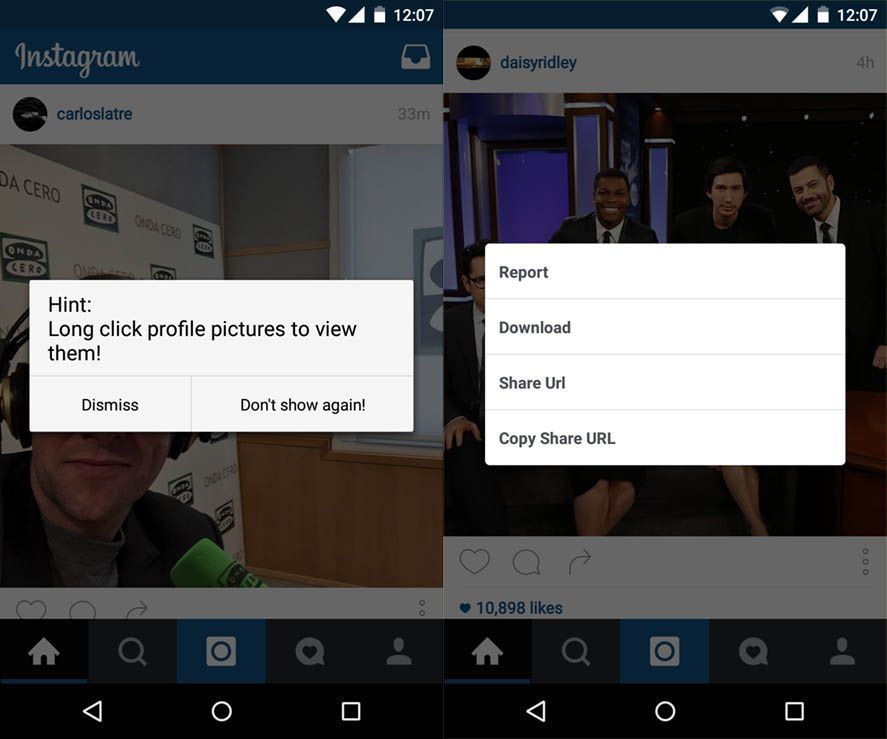
The answer is OgInsta+. It is an unofficial mod of Instagram created by Osama Ghareeb. It lets you download images and videos from Instagram. You can find the download option in the three dot menu below images, it downloads them in background which you can view in gallery. 

Instagram+ has everything same as official Instagram same design and user interface.

Features of OgInstagram+ or Instagram+ :


  • You can download images and videos.
  • Direct URL share of images and videos.
  • Zoom feature- Long press image to enlarge it.
  • No ROOT required.
  • Auto starts videos with sound.
  • Saves video as MP4.
  • Follow indicator (You'll see if someone is following you)
  • You can view profile picture by tapping it.
  • In-app updater.
How to Download Instagram+ or OgInsta+ :

Uninstall Instagram if you have.
Then download OGinsta+/Instagram+ from links mentioned below.

If you want to use Two Instagram (Dual Instagram) accounts on the same device then download both Mods otherwise download any one of them as both of them are exactly same.


              Instagram+               


OgInstagram+


Any doubts? Just comment below..


Sharing is Caring :)

WhatsApp May Get Video Calling Feature Soon

Recently a German website Macerkopf.de reported WhatsApp may get the video calling feature in future and posted these images of Video call user interface in iOS.


After major updates like WhatsApp Web, Voice Call, Material Design one can easily guess what's next - The Video Calling. Recently WhatsApp completed a milestone of 900 Million users because of their hard-work so they will do anything to become dominant in their field. After this they will be directly competing with the top notch Video calling apps like Skype and Viber. 

The screenshots are of the beta version of WhatsApp for iOS. Version 2.12.16.2 is assumed to receive Video Calling feature. The images show a simple interface with muting and unmuting the call with option to switch between rear and front camera. The small preview window can also be seen on the screen.

Other than Video Calling there are other changes like Tabs for different Chats!! So you don't have to exit chats to switch between multiple chats isn't it amazing. 

Like voice calling feature it is expected that this feature will also be available for beta testers only in starting to get feedback.

As Facebook is the boss here maybe the new update can be like Facebook Messenger obviously with green as regnant. There can be lots more also as a new year present to users.

How to use Facebook app without Messenger


Do you hate being forced to install an app only to use Facebook chats or send and receive messages then here is the trick for you.

Don't worry this doesn't require Root. All you need to do is install Facebook Chat Enabler App.
First install this app and open it, it will check your Facebook app version and prompt you to download suggested Chat Enabler version according to it. Then you can use Facebook messages like before by clicking the messages tab. No more battery hungry Messenger Required!!

Why use Facebook Chat Enabler:

  • No more Messenger app required which drains battery continuously by remaining always active in background.
  • No more load on load on CPU and RAM.
  • Why use another app if you can chat from main Facebook App.
  • Chat Re-enabler doesn't eat battery at all.

Features of Facebook Chat Enabler:

  • Easy to use.
  • Supports any version of Facebook App.
  • No extra permissions required.
  • No Root required.
Download it from HERE.

How to get Nexus like Experience on any Phone

If you have a Non-Nexus device and want to experience the original stock Android like experience you are at correct place. No need to Root and flashing roms and stuff, All you need to do is install few apps and change your whole user interface.

Let's Create a Nexus like Feel-

1. Get the Google Now Launcher.

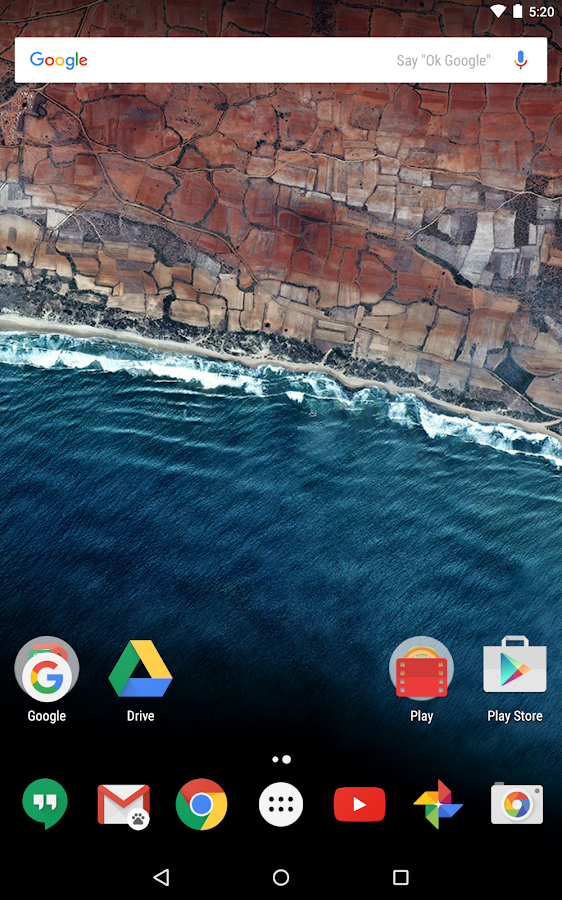
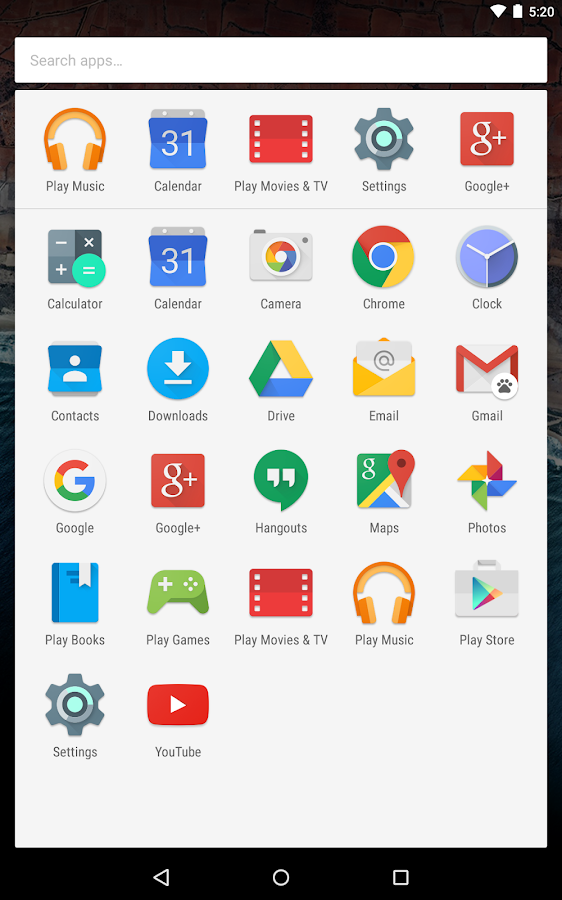
Install the Google Now Launcher (like Nexus) From Playstore. Make it your default launcher.

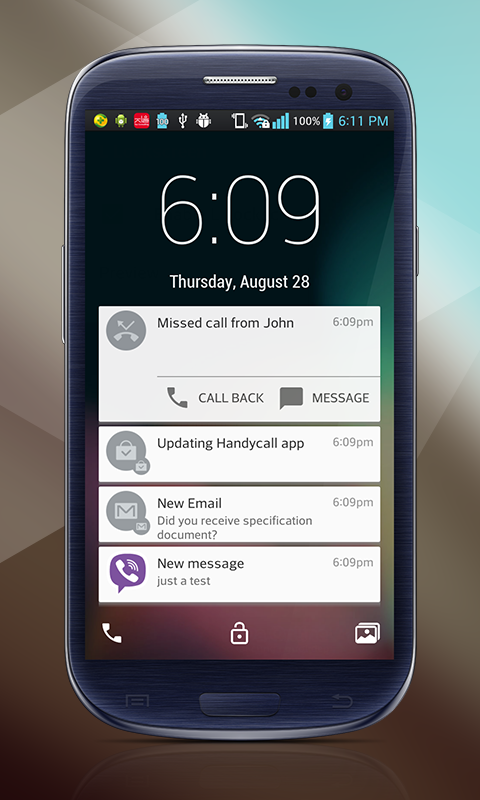
2. Lollipop Lockscreen


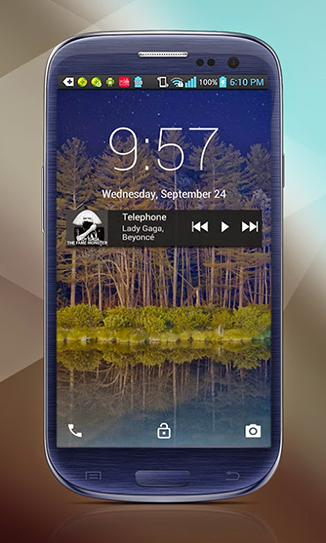
To get the whole Nexus feel you also need the lockscreen like it. For this install Lollipop Locksceen app moreover it has many customization features also.

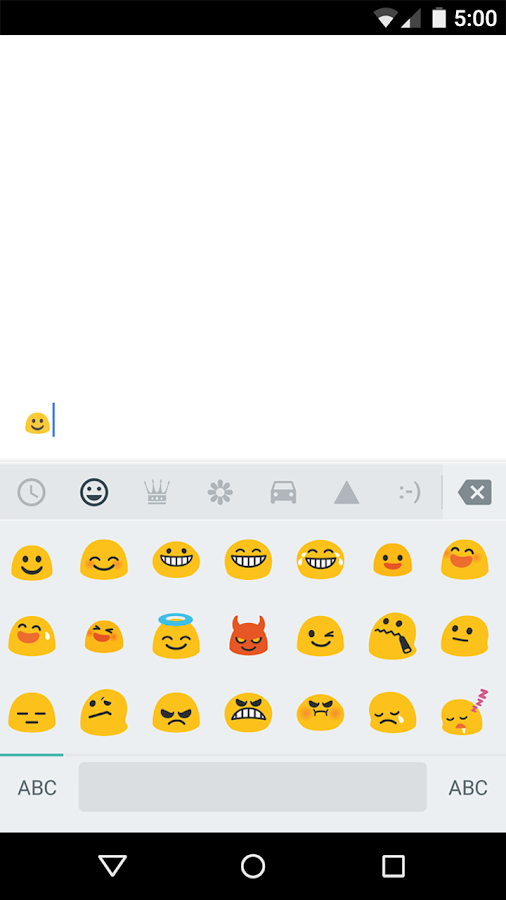
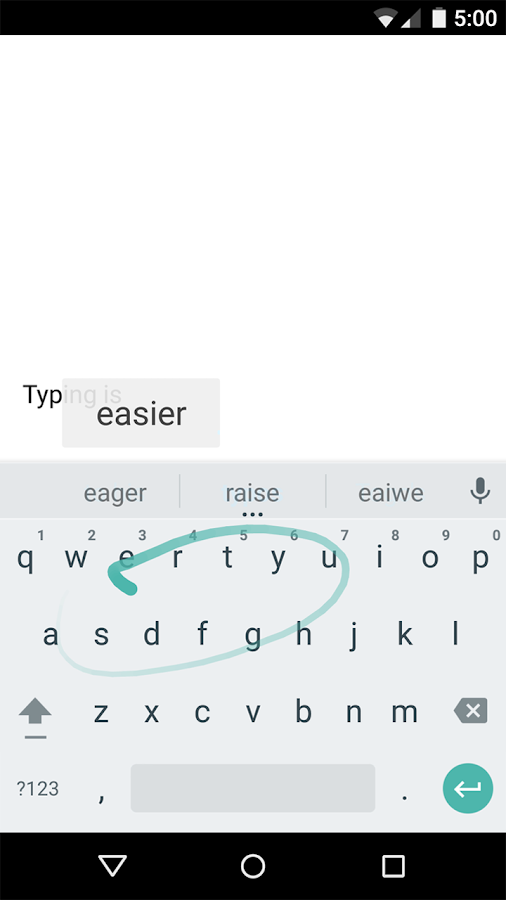
3. Google Keyboard


Maybe you'll be having this but if not this one of the best Keyboard cause It is a Google Keyboard. It have voice typing, gestures typing and best prediction and lots more.

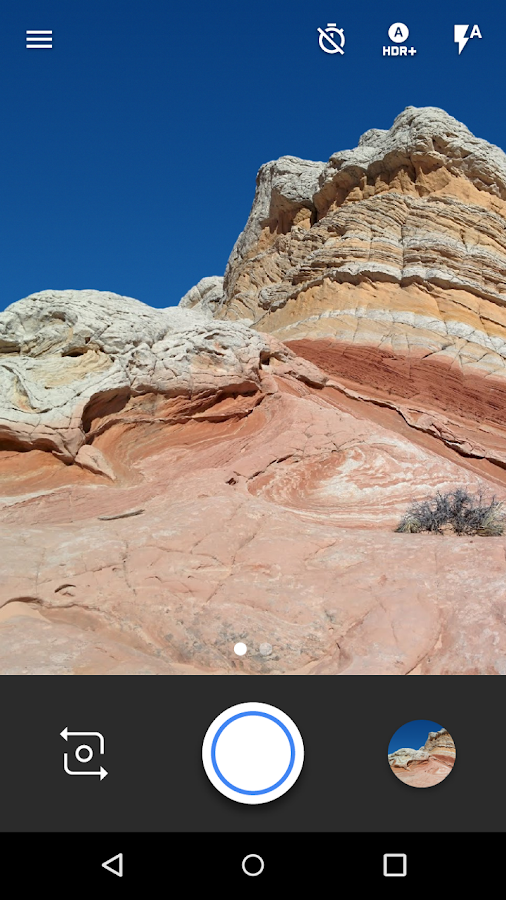
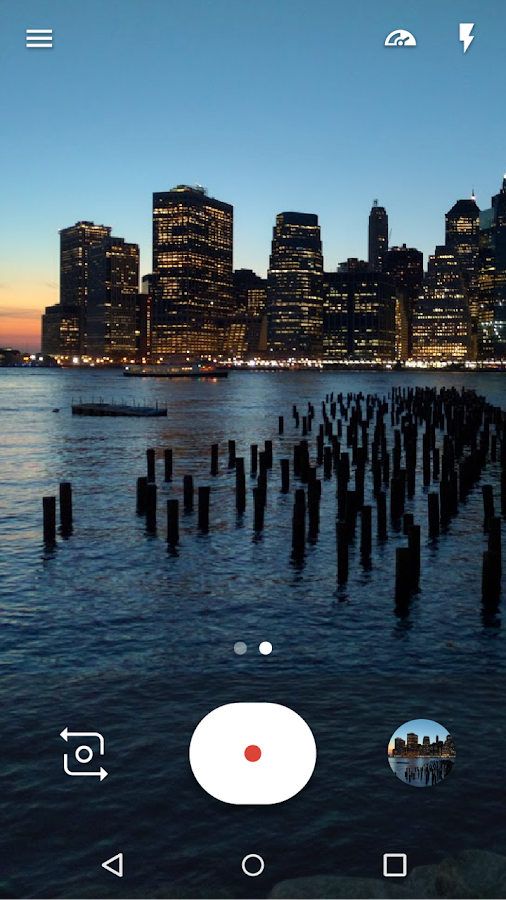
4. Google Camera


You'll be having stock camera provided by manufactures which is good but Google Camera has much more it's light and have some unique features.

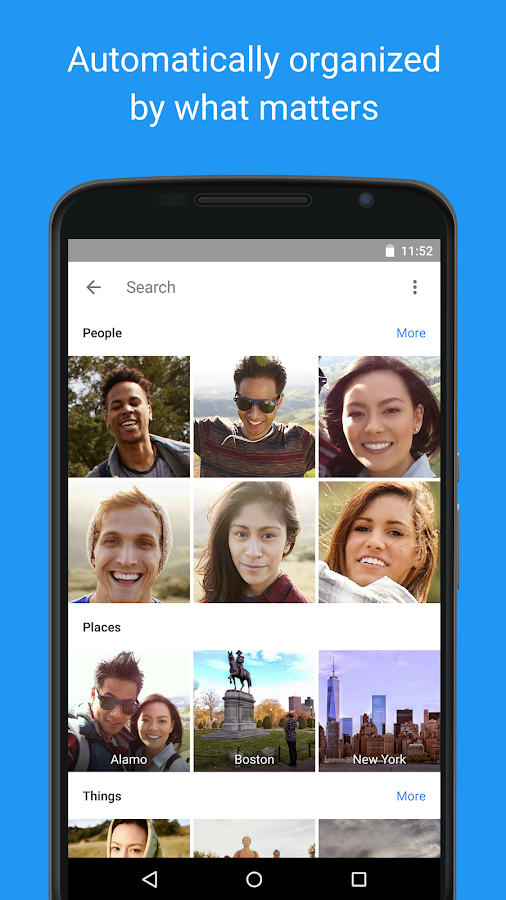
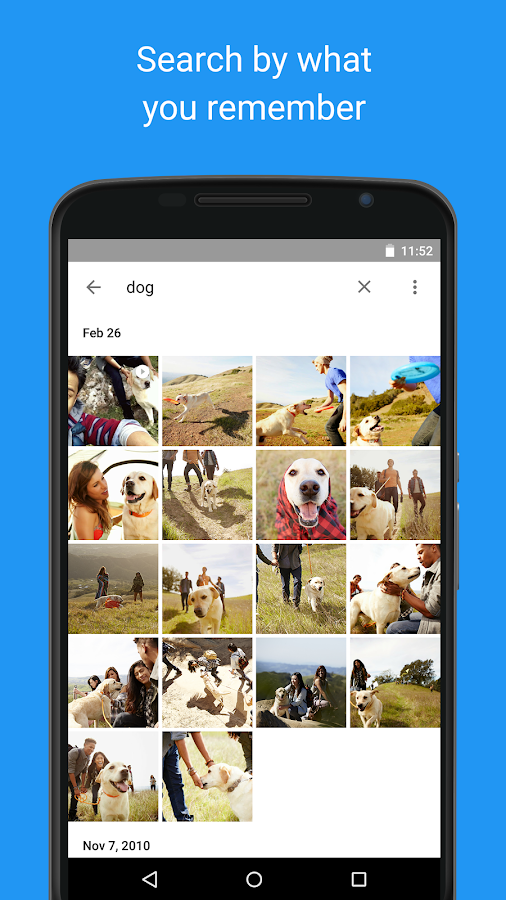
5. Google Photos


Photos is a best place to put your Photos which gives free online storage and an easy UI to manage your pictures.

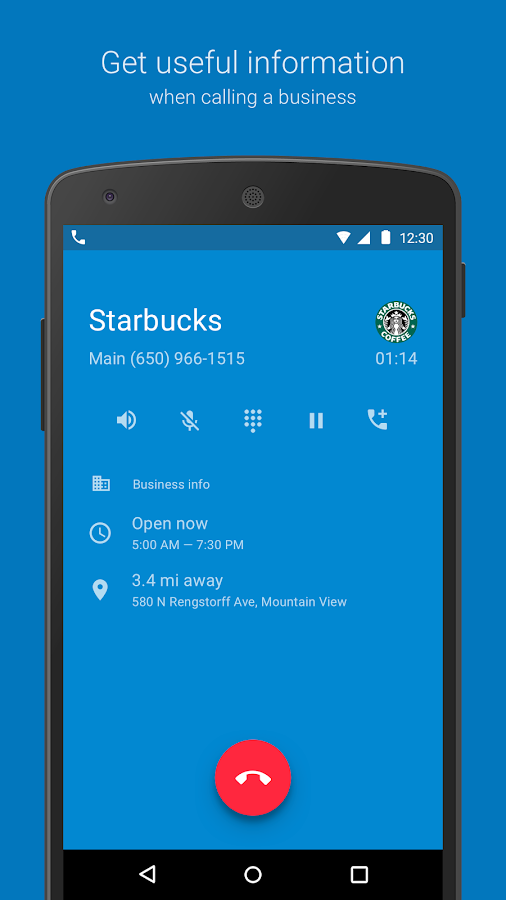
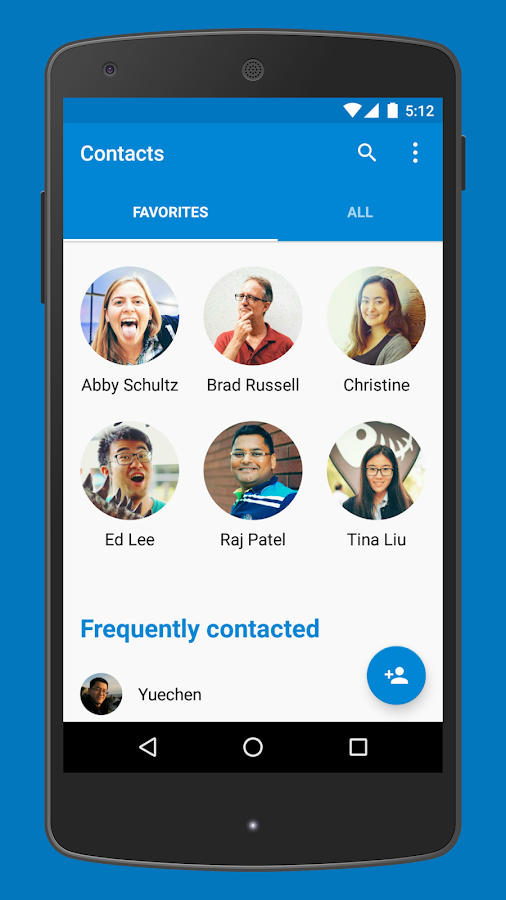
6. Google Phone & Contacts


To get more Nexus like experience we have Contacts and Phone Apps also but these are only compatible with Android Marshmallow devices only which are very few right now. But not having these will not make a huge difference.

Atlast you can also get some Nexus wallpapers from Google to make it like cherry on the top.
Although these thing will not change your settings menu and rest other user interface as it isn't a Nexus but we are almost like it :)

Enjoy the whole new Nexus Experience!
Have something? Don't hold it feel free to comment below.

How To Earn Unlimited Recharge With Ladooo App Trick With Proof


So you want to earn free recharge which is nearly impossible but today I'm here with a trick which will help you earn free recharge but nothing comes free in this world so here to get free recharge you have to download/try some apps after offer is completed you can delete the app. Frankly speaking, Everyday we download new apps so why not download apps which give you something i.e money.
In this post I'll tell you how you can do this magic..
Read more »

How To Hack Clash Of Clans With Xmodgames Tutorial


Hey Clashers,

After any Gamer gets his/her hands on Clash Of Clans and develops a pace and builds a curiosity to get on top, he/she what does is search methods for How To Hack Clash Of Clans or how to get Free Gems in CoC. But then we realize Clash of Clans is Online-Game (Server Based) and is impossible to hack, but there are some websites and software who claim to give free gems or unlimited elixir or gold but they all are FAKE they let you complete some surveys or charge you and lure your personal details which can be harmful so never fall for such things.
But Xmodgames team did something different they created a Mod (this is not a hack) for the game which is really amazing and Completely Free. The best thing about Xmod is that it provides Mods for other games also and is available for both Android and iOS.
Read more »

How To Create Fake Whatsapp Chat


Have you ever wondered if you can create Fake WhatsApp Chats and fool your friends then you are at right place. There are few apps on Playstore to create Fake WhatsApp Chat some with paid features or some with less features but this one's best~
Read more »

Top 5 Best And Fast Browsers For Android

            BEST BROWSERS FOR ANDROID


In today's world Android had brought a revolution.There is a thing which you always carry with you all the times i.e "Smartphone".
So, if you need to find something on Google or Log in to your Facebook or just want to surf, you need a browser that is Lightening fast, sleek and comfortable.

So here are the list of the Top 5 best Browsers for your Smartphone that are fast and handy and most of the Android addicts use {Including me ;)}..

Read more »

Whatsapp plus Cracked/Unlocked

Whatsapp plus Cracked/Unlocked
WA+ for what it is famous is its  unique feature to hide last seen and hide second tick and also new feature hide blue tick.

So What's actually these features are lets see ??

Hide last seen is freezing your last seen means even if you are online others will see your last seen status which you have set while you can see others online status.

Hide second tick till now is one of the best feature of WhatsApp+.As it clearly says if you enable this others will not be able to know if you have received their message or not even if you have read their message.

Hide blue ticks feature came after WhatsApp introduced new feature that if receiver has read your message the Grey double ticks will turn into blue.Now you can understand what hide Blueticks is.

So if you wanna escape a person or situation you can use any of these features.

But they are paid feature means it requires a Plus Donation App(Paid App) on your device installed.

Want to Hide your Last Seen ,Double Tick or Blue ticks but don't want to spend a penny.


Here's a cracked version of  Whatsapp+ for you.

Just tap the hide online status or others and see the magic. 

Before installing WA+ Cracked version uninstall other versions of WA+ or WA.

Want to know more about WA+ read this Post.

Click here to Download WhatsApp+ (Plus) Cracked/Unlocked.

Edit: From now on there's no need for cracked version of WhatsApp+ as the donation feature has been removed now and you can hide your Last seen ,Double tick and Blue ticks for free :D ..

Note: WhatsApp+ no more exists now.The developer has stopped further continuation of this Mod due to decease notice from WhatsApp team. If you still install WhatsApp+ you will be blocked firstly for 24 hours from using WhatsApp and then for 72 hours and subsequently.And this is block can't be removed.So you must use Stock/Original WhatsApp or Other WhatsApp Mods with Anti Ban feature.

Truecaller Premium Free Download

Truecaller Premium Free Download

                     TRUECALLER:         


          GLOBAL PHONE DIRECTORY


Truecaller-Free Caller ID.

As name suggests it shows name of the caller or identifies the unknown caller.

Search the world's largest directory of numbers.

It has over a 150 million users.

Truecaller was launched in 2009 and is available for Android and iOS devices.

It has also call blocking functionality as well as social media integration.

Shows you live Caller ID of a caller.
Note: Requires a 3G or WiFi connections to work.

Identifies the Spam calls automatically.

Blocks Unwanted calls like spams and messages.

If you want to search for a number or a person use Truecaller it has millions of numbers on it form across the world.

You Can search for a land-line,prepaid numbers also.

You can create your own Truecaller Profile-Set a name a Profile Pic and Address(optional).

Get suggestions on people you might know.

Truecaller Premium features:
  •  Get the premium badge.
  • There are no advertisements.
  • Get free contact request.
  • See who's viewed your profile.
The application uses crowd sourcing and uploads users phone books and make them a part of its crowd source database.

Click Here to Download Truecaller Premium Crack.


Download free version from Truecaller site-http://www.truecaller.com/download/android

Whatsapp+

WhatsApp Plus


Bored from WhatsApp!!
Try WhatsApp + made by XDA Developer Rafalense.
It brings you many features which makes it far more better from WhatsApp.

Here are some of the Awesome features of WhatsApp+ :
  • There are hundreds of Themes and much more added everyday so you can change your Theme everyday.


  • Mod to see the Profile Picture on Chatscreen your's as well as others. 

  • Shows status of others on chat window which can be copied by just one touch.
  • Option to set Image quality while sending images unlike in Whatsapp which reduces the image quality. 
  • Can send Media files upto 50mb in Whatsapp it's 16mb.

  • Mod to change color of launcher icon.
                                                
  • Lots of new emoji's. All the new emoji's are under a '+' tab. Note normal Whatsapp users will not be able to see these emoji's only Whatsapp+ users can see.

  • Toast alert to notify if your friend is online.
  • Change Size and color of widget.
  • Share your location with your friends.
  • Lots of other Mods in Plus section to modify appearance.
  • The other important feature which makes a huge difference is "Hide Online Status" in this you will not be seen Online then also you can send and receive messages.But this feature was Paid Service you needed to download "Plus Donation App" now it is free.
WhatsApp gives option for Who Can see your Last seen (in Privacy Setings) but then you also won't be able to see others Last Seen!! But in WA+ it will freeze your Last Seen. Means even if you are online your Last seen would remain same as set by you.
  • Hide Second tick: if you wanna ignore someone enable this Mod so he will not be know that you have received there message even if you've read their message.
  • Hide Blue Tick: As we know WhatsApp has introduced new feature that if recipient has read your message the grey ticks will turn into Blue ticks.So if you use this Mod grey ticks will not turn into Blue.
As this is an Unofficial app.It is not available on Play Store and It is not related to WhatsApp in any manner. 
Before installing WhatsApp+ read this Post.
Download cracked WhatsApp+ from here.

Note: WhatsApp+ no more exists now.The developer has stopped further continuation of this Mod due to decease notice from WhatsApp team. If you still install WhatsApp+ you will be blocked firstly for 24 hours from using WhatsApp and then for 72 hours and subsequently.And this block can't be removed.So you must use Stock/Original WhatsApp or Other WhatsApp Mods with Anti Ban feature


Vidstitch Free - Video Collage 1.0 APK

Vidstitch Free - Video Collage

Finally Android has an App for switching videos and photos all in one collage. This app goes perfect with Instasize and Flipagram! Collage tools might be nothing new to the App Store, but an app that allows users to mix videos and still images together. Download app and combines your videos and photos to share your collage on Instagram.

Vidstitch has simple and intuitive user interface. #Vidstitch is intelligent and automagically optimizes for Instagram. Just choose your videos and photos and let #Vidstitch handle everything in the background.  Choose your frame and combine your videos and photos.

Vidstitch Video Collage Features:
- Edit your video or pic
- Combine videos and pics
- Multiple frames to choose from
- Play preview before saving
- Post to Facebook, Twitter, and Instagram
- Simple and Intuitive UI
- Optimized for Android
- Add your own soundtrack

Requires Android: 4.1+

Download Vidstitch - video collage apk

Photo Effects 1.1 APK

Photo effects

Excellent android app for play with your pictures. Photo effects is the simplest way to enhance your photos with great effects. This app has more than 40 photo effects, with over 15 that are free to use. Download app and brush up your pictures and share them with your friends! More effects can be unlocked by installing other fun apps.

Photo effects features:
- Effects for your picture: Flip, Mirror, Various blurs, Sharpen, Pointillize, Tilt Shift
- Crop: crop your photo in the perfect size
- 10+ color effects: Auto contrast, Hue & Saturation, Boost dark, Mono, Sepia, Color accent, Lomo, Thermal, X-Ray
- Overlays: Various borders, Dirty, Halftone, Hearts, Bubbles, Coffee stain, Fabric.
Get your perfect image enhancer now. Optimized for tablets as well!

Requires Android: 2.3+
Download file: 1.8MB (Photo effects v1.1 APK)

Download Photo Effects

Timely Alarm Clock 1.2.7 APK

Timely Alarm Clock

Anything you can imagine doing with an alarm clock you can do with this one. Truly great android app. Download app and imagined that a clock app can be this beautiful, it makes all stock clock apps and the one from iOS just plain ugly. Timely is the beautiful Alarm Clock for Android, featuring a stunning user experience and revolutionary cloud integration to backup and synchronize your alarms with multiple devices.

Timely Alarm Clock App Features:
- Setting an alarm has never been easier: Just swipe from the edge of the screen and set the desired time by dragging a bar. Tap to make adjustments of 5 minutes.
- Beautiful wake-up experience: Hand-crafted, high quality sounds and our innovative Smart Rise feature transform waking up in the morning into pure delight.
- Your taste, your style: Choose from gorgeous color themes to match your very own style. Or use our design-tool to create an all-new look. Select one of our hand-crafted designer clocks to fit your taste.
- Never get up late again: Use challenges with your alarms to make sure you are really awake when dismissing an alarm. Think pressing buttons is not fancy enough? Turn your phone to snooze it. Additionally, Timely recognizes when you lift your phone and reduces the alarm intensity by lowering the volume.
- Connecting your devices: Manage, dismiss and snooze alarms on all your devices at once. Cloud synchronization enables a seamless experience across phones and tablets. As a plus, everything gets backed up.
- Ready, Set, Go: Use our stopwatch to measure time with style. And setting a countdown is as easy as winding up a kitchen timer.
- Designed for tablets: No matter what kind of device you own, Timely just looks perfect.
- More Features: Widget, Google Now integration, recurring alarms, awesome animations, adaptive snoozing, fade-in, DashClock extension, volume buttons to snooze.

Requires Android: 4.0.3+
Download File: 9.6MB (Timely Alarm Clock v1.2.7 APK)

Download Timely Alarm Clock

Easy Battery Saver 3.3.4 APK

Easy Battery Saver

I highly recommend this application. Battery life is definately atleast 60 percent better. Easy Battery Saver is the easiest energy-saving application which helps you to extend your battery life. Download app and optimized your mobile hand-on experience.

Easy Battery Saver is a powerful manager app specifically designed to extend battery life and optimize using habit.It saves your battery by intelligently dealing with phone’s network connectivity, screen time out and screen brightness. What’s more, the considerable sleep schedule setting will save your battery when you are sleeping.

Easy Battery Saver is easy to use by four preset saving modes and advanced customized mode. Select one mode, the problems will go away.
1) General Saving Mode owns the basic network control, screen control and sleep schedule to meet your normal battery saving needs.
2) Advanced Customized Mode offers you more personalized options to allow Easy Battery Saver to manage applications and adjust system settings to optimize your battery efficiency.
3) Intelligent Saving Mode manage the eight different controls and smart to save more battery than general saving mode.
4) Super Power Saving Mode adjusts your phone's standby time. You do not need to worry about whether your phone dies at crucial moment.
5) Normal Mode means nothing change for your battery.

Easy Battery Saver App Features:
- EASY TO USE
* Optional modes that is easy to choose
* Visualized battery status on main page
- EFFECTIVE
* Save more than 50% battery
* Extend the battery working life

What's New in version 3.3.4:
1. Fix some bugs
2. Add a platform for users to help each other find power-saving apps in each category according to some users' feedback.

Requires Android: 2.0+
Download file: 1.8MB (Easy Battery Saver v3.3.4 APK)

Download apk Android

Fingerprint Lock Screen 1.0 APK

Fingerprint Lock Screen

Use your fingerprint to unlock the phone. Fingerprint Lock Screen is a cool and futuristic android application with nice animations and great quality graphics and sounds. This app can be used as lock screen for your android device. Download app and protect your phone!

You can trick your friends into thinking that your android phone has a real fingerprint biometric scanner that allows only you to access the device. By using the fingerprint lock screen scanner for android you will provide your phone with an extra layer of security as well as a nice source of fun for your friends.

Go into the settings menu and activate the lockscreen option (default is off). Then go and setup the scan cycles (default is 3) and you're all set. The scan cycles option indicates how much time to wait (in beeps or vibration ticks or scan bar course over the screen) before taking off your finger from the screen and unlock the phone. Also there is one more little hint - see the color of the word "to" from the text "touch to scan" that will change from green to yellow when you must lift your finger to unlock the phone.

If you like the fingerprint lock screen scanner application you can use the context menu to share it to your friends via facebook, bluetooth, email, skype, twitter or any other means your phone has available. All with one touch.

Requires Android: 2.2+

Download apk Android

InstaSize 2.08 APK

InstaSize

Welcome to yet another best photography apps for Android. We're here today would like to share app to be used in Instagram. InstaSize is the easiest and quickest way to post entire photos on Instagram. Easily import photos from your albums or take a photo directly on Instasize. Edit your photo, hit share and BAM! your photo is ready to share on Instagram. Add over 40 backgrounds, both patterns and colors, to your photos.

CREATE COLLAGES 
Use the Stitch option to create fun collages with frames. The quickest and easiest way to create a collage for Instagram. Just pick a frame and add your favorite photos.

ADD FILTERS, OVERLAYS AND TEXT TO YOUR PICTURES
By using the layers option you can easily add awesome filters, overlays and typography to your photos.
You can choose from a variety of amazing fonts with the ability to resize and rotate your text! You can also have multiple text layers so that you can have a unique picture!
Beautiful packs of filters and overlays! By using one of these great filters and overlays, your picture will truly stand out from the rest!

SHARE TO INSTAGRAM AND OTHERS
After you are done creating your masterpiece, just click the Share button on the menu. Here you will be able to share to Instagram, save to you gallery, Twitter, Facebook and many more.

What's New in version 2.08:
InstaSize has been revamped to give you a better photo editing experience
- Over 40 borders
- 15 collages
- 7 Filters
- Ability to add text
- 40 overlays

Requires Android: 2.3+
Download file: 5.6MB (InstaSize v2.08 APK)

Download apk Android