Tampilkan postingan dengan label How To. Tampilkan semua postingan

Instagram+ and OgInsta+ Latest Apk Download


Do you have questions like-
  • How to download Instagram Images.
  • Can we download Instagram Videos?
  • Can we use two Instagram accounts in same device.
  • Share image's URL.
The answer is OgInsta+. It is an unofficial mod of Instagram created by Osama Ghareeb. It lets you download images and videos from Instagram. You can find the download option in the three dot menu below images, it downloads them in background which you can view in gallery. 
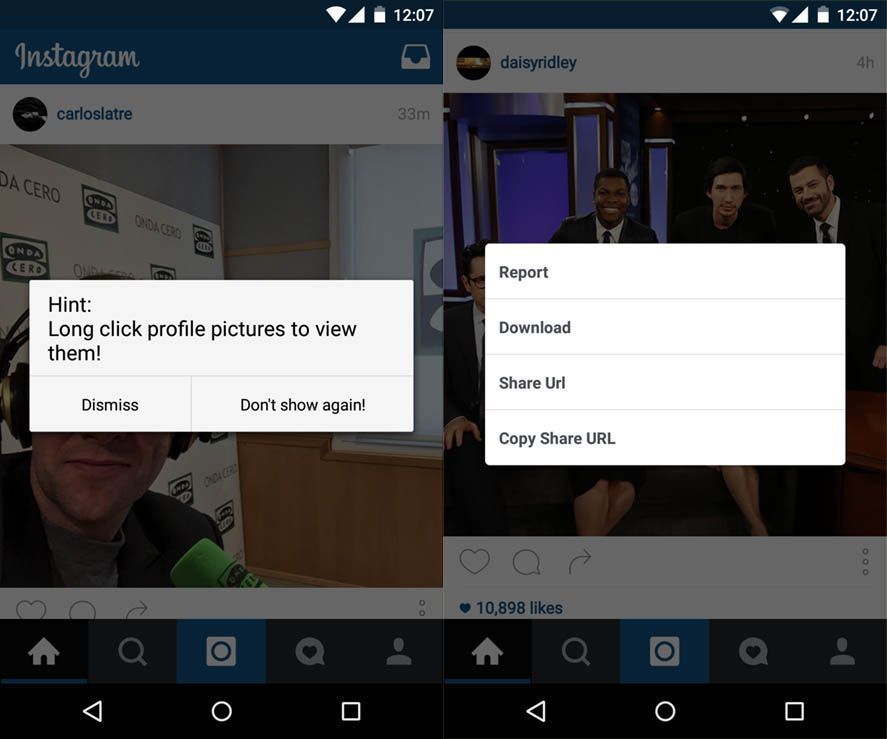
Instagram+ has everything same as official Instagram same design and user interface.

Features of OgInstagram+ or Instagram+ :


  • You can download images and videos.
  • Direct URL share of images and videos.
  • Zoom feature- Long press image to enlarge it.
  • No ROOT required.
  • Auto starts videos with sound.
  • Saves video as MP4.
  • Follow indicator (You'll see if someone is following you)
  • You can view profile picture by tapping it.
  • In-app updater.
How to Download Instagram+ or OgInsta+ :

Uninstall Instagram if you have.
Then download OGinsta+/Instagram+ from links mentioned below.

If you want to use Two Instagram (Dual Instagram) accounts on the same device then download both Mods otherwise download any one of them as both of them are exactly same.


              Instagram+               


OgInstagram+


Any doubts? Just comment below..


Sharing is Caring :)

How to use Facebook app without Messenger


Do you hate being forced to install an app only to use Facebook chats or send and receive messages then here is the trick for you.

Don't worry this doesn't require Root. All you need to do is install Facebook Chat Enabler App.
First install this app and open it, it will check your Facebook app version and prompt you to download suggested Chat Enabler version according to it. Then you can use Facebook messages like before by clicking the messages tab. No more battery hungry Messenger Required!!

Why use Facebook Chat Enabler:

  • No more Messenger app required which drains battery continuously by remaining always active in background.
  • No more load on load on CPU and RAM.
  • Why use another app if you can chat from main Facebook App.
  • Chat Re-enabler doesn't eat battery at all.

Features of Facebook Chat Enabler:

  • Easy to use.
  • Supports any version of Facebook App.
  • No extra permissions required.
  • No Root required.
Download it from HERE.

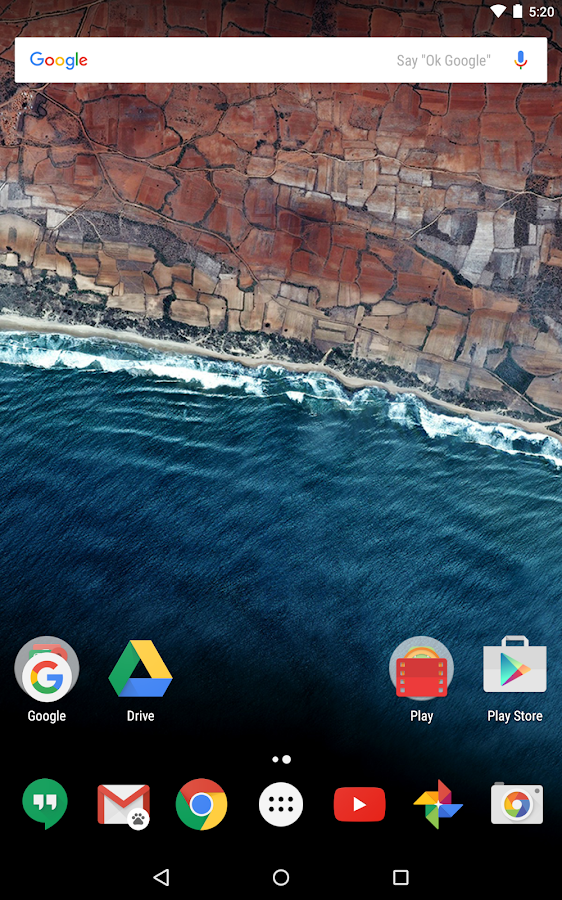
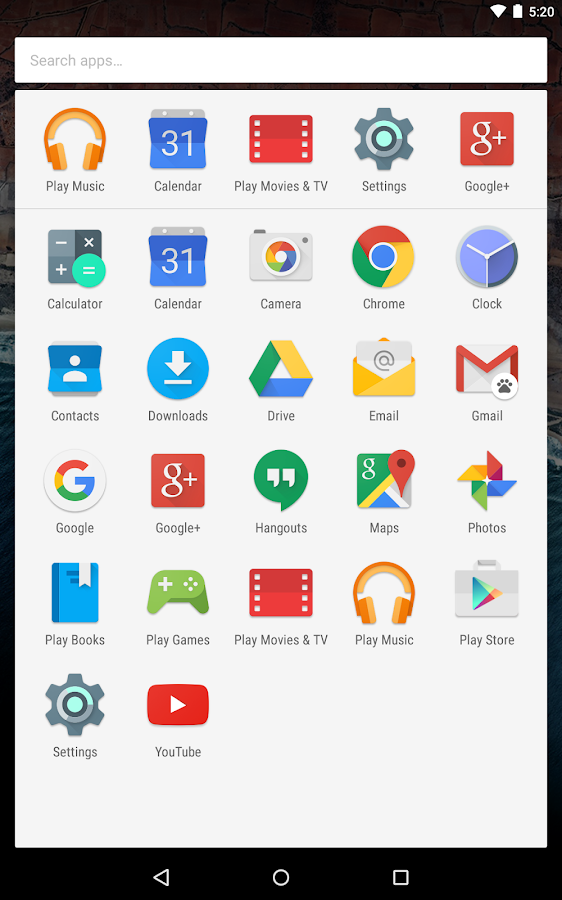
How to get Nexus like Experience on any Phone

If you have a Non-Nexus device and want to experience the original stock Android like experience you are at correct place. No need to Root and flashing roms and stuff, All you need to do is install few apps and change your whole user interface.

Let's Create a Nexus like Feel-

1. Get the Google Now Launcher.

Install the Google Now Launcher (like Nexus) From Playstore. Make it your default launcher.

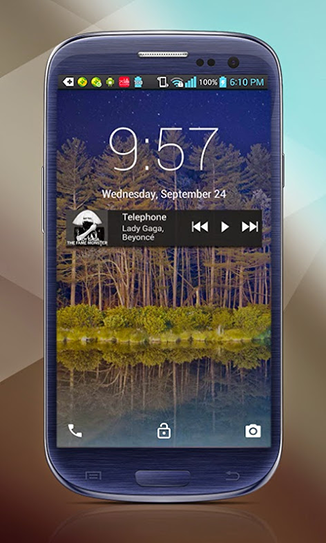
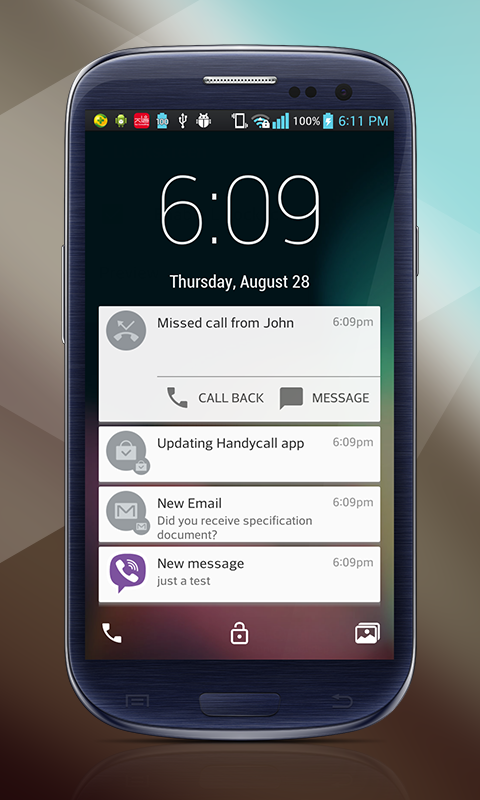
2. Lollipop Lockscreen


To get the whole Nexus feel you also need the lockscreen like it. For this install Lollipop Locksceen app moreover it has many customization features also.

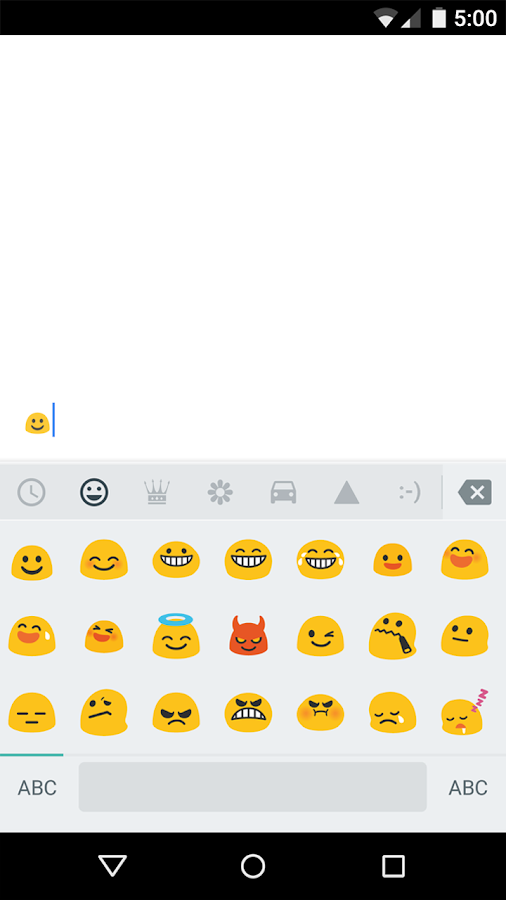
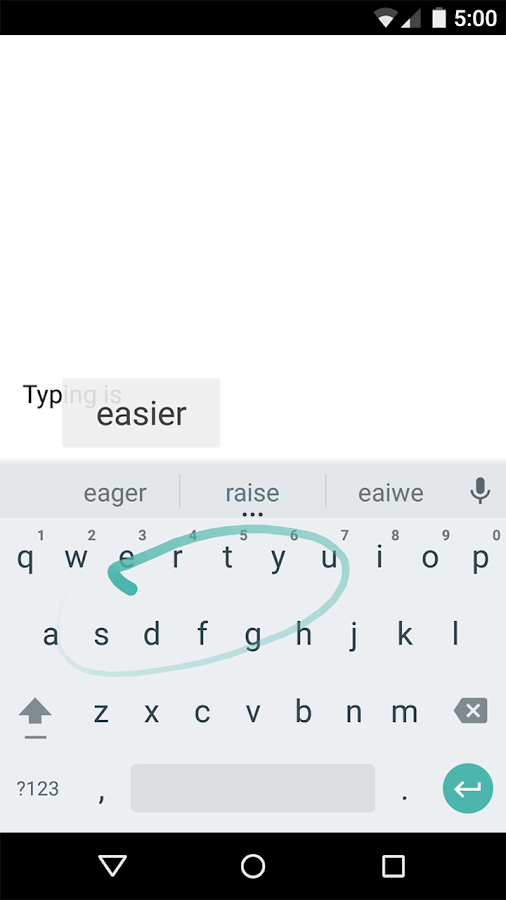
3. Google Keyboard


Maybe you'll be having this but if not this one of the best Keyboard cause It is a Google Keyboard. It have voice typing, gestures typing and best prediction and lots more.

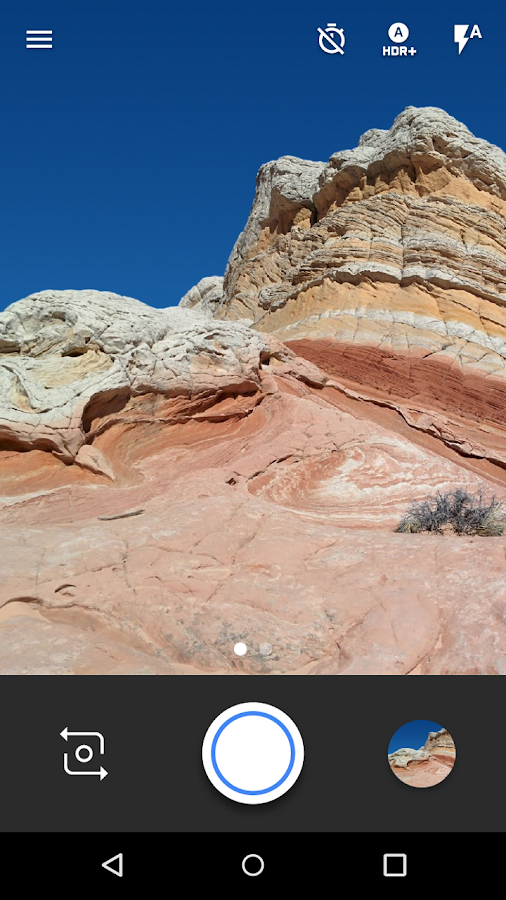
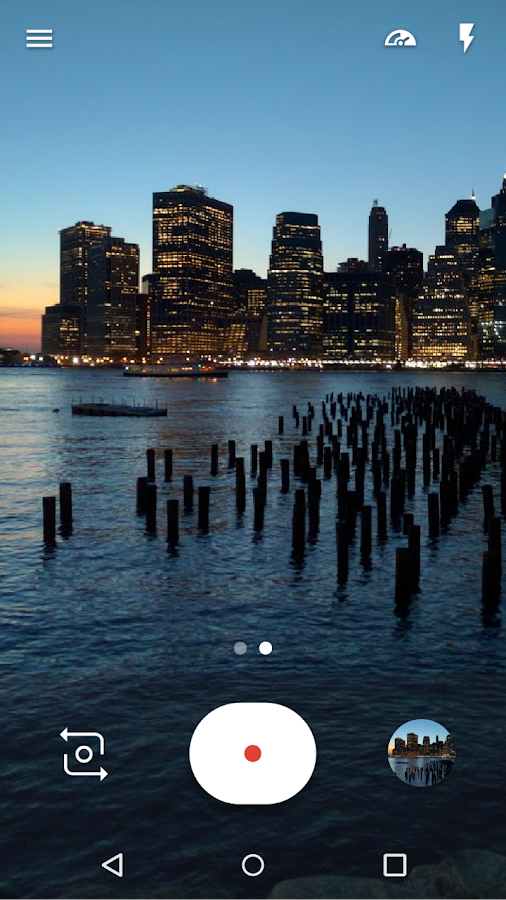
4. Google Camera


You'll be having stock camera provided by manufactures which is good but Google Camera has much more it's light and have some unique features.

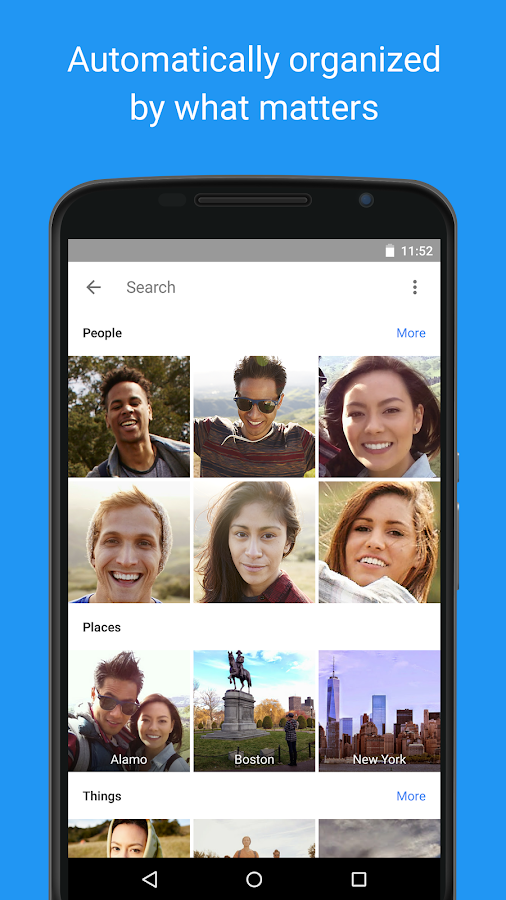
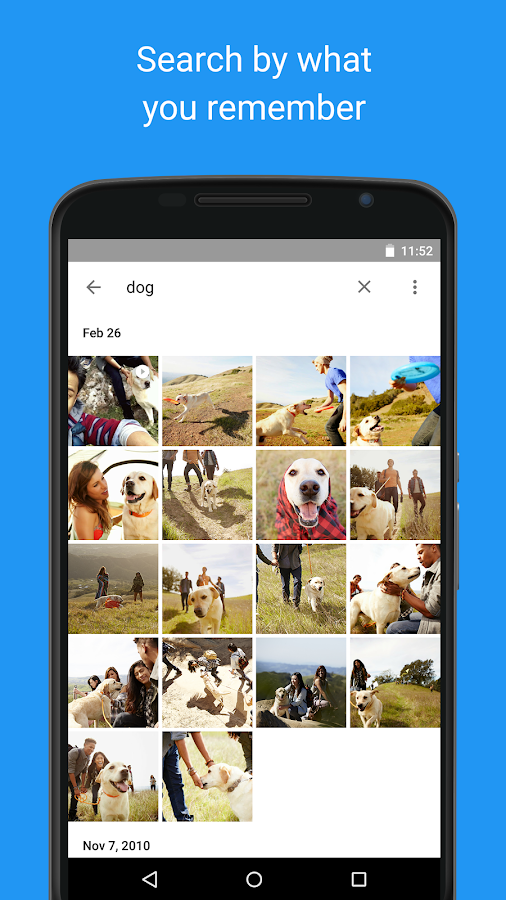
5. Google Photos


Photos is a best place to put your Photos which gives free online storage and an easy UI to manage your pictures.

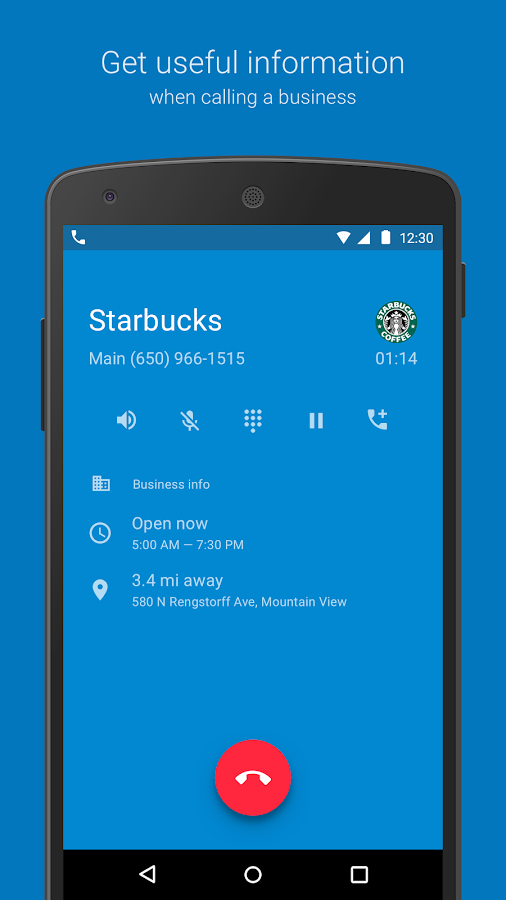
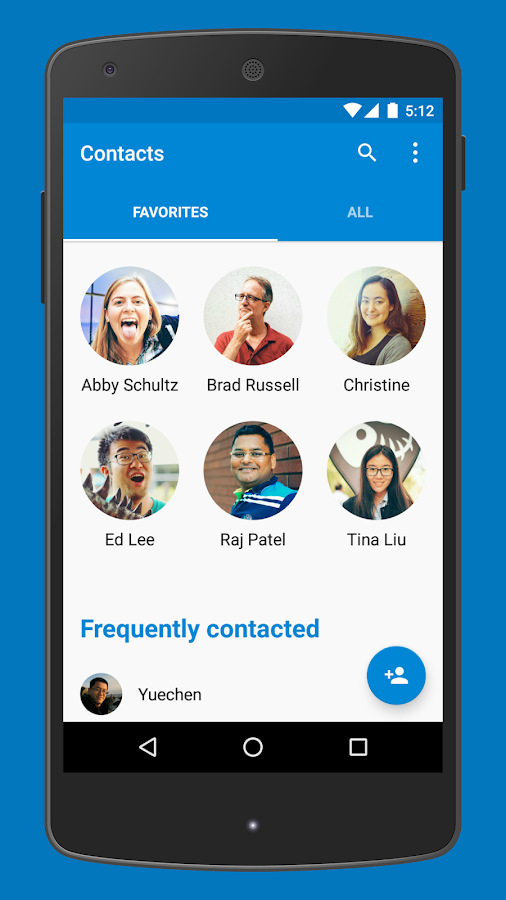
6. Google Phone & Contacts


To get more Nexus like experience we have Contacts and Phone Apps also but these are only compatible with Android Marshmallow devices only which are very few right now. But not having these will not make a huge difference.

Atlast you can also get some Nexus wallpapers from Google to make it like cherry on the top.
Although these thing will not change your settings menu and rest other user interface as it isn't a Nexus but we are almost like it :)

Enjoy the whole new Nexus Experience!
Have something? Don't hold it feel free to comment below.

How to Copy Others Base Layout in Clash of Clans


Are you tired wasting a lot of time making a New Base? 
We know it's a very hefty task and takes a lot of time.
New layout is needed when we upgrade our townhall, do farming or in trophy pushing.

So to easy this tiresome job and save alot of time XmodGames team added a new feature to its mod Copy Player Layout, In which you can copy any Clashers base in just a matter of seconds. 

What is Xmod?? 

This is just one feature of Xmod it has lots of other helpful features also, So if you don't have Xmod download it now from here.

How to Copy any Base in just few seconds:

Firstly, Open Xmod and Launch Clash Of Clans from it. Then Tap that Robot and then Xmod then functions list will open.

In that Turn On Second Option "Copy Player Layout" by tapping it.
Now visit any base you want to copy.

Now go back to your village and open Layout Editor then select War Base.

Next select any Layout slot and tap "Edit Layout" at bottom and DONE..
You can see the base you wanted to copy only the thing is the hidden traps aren't copied as they are stored on server side and Xmod team can't help us in this. You can guess the place of traps by the size of blank spaces.

Then Save the Base and go back to Editor and tap Copy Layout and then go to "Home Village" and select any slot and VOILA..

Tip- When you are trophy pushing Copy base of Player who has more number of defense wins in Your League in this way you can climb higher easily. This trick helped me to reach from Master II to Master I in just 1 day by defense wins.

If you have any doubts just comment below and Share this Awesome Trick with your fellow Clashers..


How To Root Any Android Without PC/Computer


What is Rooting?

Even though Android is an Open Source it doesn't give full access to user. To cross this limitations we use Rooting. Rooting is like jail-breaking, unlocking the Operating System to install any app, install custom ROM or firmware and underclock or overclock the processor to increase battery life or performance.

Advantages Of Rooting:

  • Truly own your device.
  • Uninstall Bloatware- apps that came pre-installed and are not useful and just wasting space and draining memory.
  • Free up some space by moving apps to external sd card.
  • Boost Speed and Battery life- By using apps like Greenify you can hibernate apps which are running in background and are not useful.Also by using SetCPU you can under-or-over clock your Android.
  • Make Incompatible apps Compatible.
  • Block Ads in Apps.
  • Use a Custom ROM: This is the best thing about Rooting.If you're bored from your stock ROM change it.This can change your whole user experience. You can upgrade your Android Version too like Android Lollipop or Marshmallow even. Just search Roms available for your device.

Disadvantages of Rooting:

  • As soon as you root your device, you void your Phone's warranty. But you can unroot it anytime.
  • Your Phone might get bricked, it can be a little disastrous but if you follow every step carefully there is no problem. And never forget to take backup of your Android before doing anything related to Rooting.

Now lets come to main meal.Rooting may sound scary but it's not that hard. There are two ways to Root your Android With or Without Computer, here I am going to explain the latter part which will 100% work.

i) Root Using KingoRoot:

    1. Download KingRoot Apk from HERE

    2. Now Install and then Launch Kingoroot.
    3. Now Click Root-it is one click root app. 

    4. Wait for few seconds it will process and then will show the result whether successful or not.


    5. And it's Done.

ii) Root Using FramaRoot:

    1. Download Framaroot Apk from HERE

    2. Install and Launch Framaroot..
      3. Choose "Install Superuser/Super Su" and then choose any one of available exploit.
   
 4. If you see “Success  … Superuser and Su binary installed. You have to reboot your device” message then you have successfully rooted your phone .


    5. If you see “Failed … Try another exploit if available”  message then try selecting another exploit .
    6. And it's done.

You can use any of the above two mentioned Apps. But KingoRoot has more success rate and simple method.

If you face any problems comment below.

How To Earn Unlimited Recharge With Ladooo App Trick With Proof


So you want to earn free recharge which is nearly impossible but today I'm here with a trick which will help you earn free recharge but nothing comes free in this world so here to get free recharge you have to download/try some apps after offer is completed you can delete the app. Frankly speaking, Everyday we download new apps so why not download apps which give you something i.e money.
In this post I'll tell you how you can do this magic..
Read more »