Tampilkan postingan dengan label Apps. Tampilkan semua postingan

Instagram+ and OgInsta+ Latest Apk Download


Do you have questions like-
  • How to download Instagram Images.
  • Can we download Instagram Videos?
  • Can we use two Instagram accounts in same device.
  • Share image's URL.
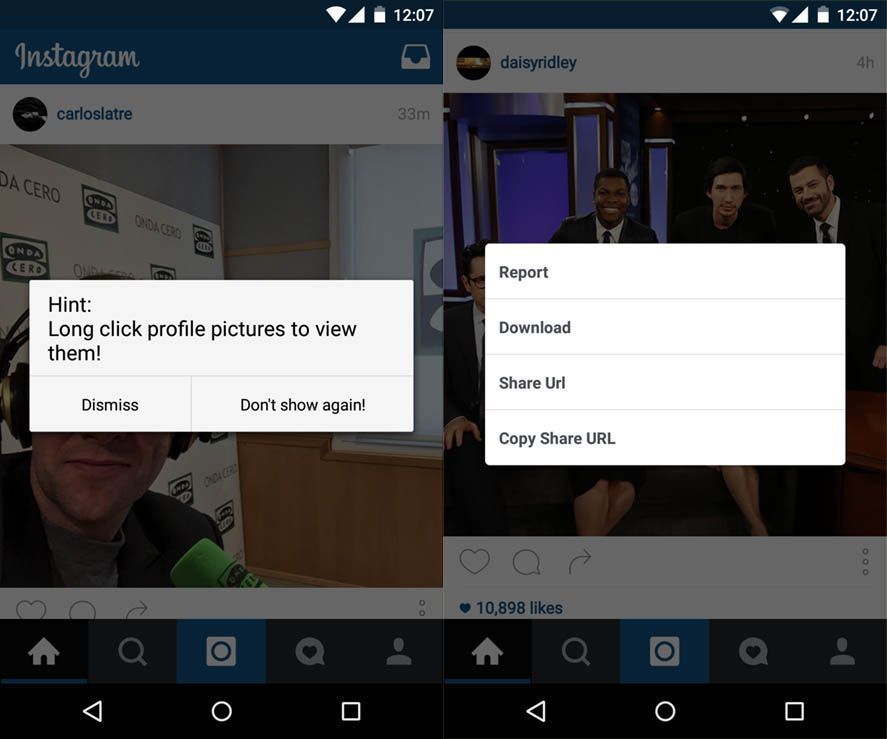
The answer is OgInsta+. It is an unofficial mod of Instagram created by Osama Ghareeb. It lets you download images and videos from Instagram. You can find the download option in the three dot menu below images, it downloads them in background which you can view in gallery. 

Instagram+ has everything same as official Instagram same design and user interface.

Features of OgInstagram+ or Instagram+ :


  • You can download images and videos.
  • Direct URL share of images and videos.
  • Zoom feature- Long press image to enlarge it.
  • No ROOT required.
  • Auto starts videos with sound.
  • Saves video as MP4.
  • Follow indicator (You'll see if someone is following you)
  • You can view profile picture by tapping it.
  • In-app updater.
How to Download Instagram+ or OgInsta+ :

Uninstall Instagram if you have.
Then download OGinsta+/Instagram+ from links mentioned below.

If you want to use Two Instagram (Dual Instagram) accounts on the same device then download both Mods otherwise download any one of them as both of them are exactly same.


              Instagram+               


OgInstagram+


Any doubts? Just comment below..


Sharing is Caring :)

WhatsApp May Get Video Calling Feature Soon

Recently a German website Macerkopf.de reported WhatsApp may get the video calling feature in future and posted these images of Video call user interface in iOS.


After major updates like WhatsApp Web, Voice Call, Material Design one can easily guess what's next - The Video Calling. Recently WhatsApp completed a milestone of 900 Million users because of their hard-work so they will do anything to become dominant in their field. After this they will be directly competing with the top notch Video calling apps like Skype and Viber. 

The screenshots are of the beta version of WhatsApp for iOS. Version 2.12.16.2 is assumed to receive Video Calling feature. The images show a simple interface with muting and unmuting the call with option to switch between rear and front camera. The small preview window can also be seen on the screen.

Other than Video Calling there are other changes like Tabs for different Chats!! So you don't have to exit chats to switch between multiple chats isn't it amazing. 

Like voice calling feature it is expected that this feature will also be available for beta testers only in starting to get feedback.

As Facebook is the boss here maybe the new update can be like Facebook Messenger obviously with green as regnant. There can be lots more also as a new year present to users.

How to use Facebook app without Messenger


Do you hate being forced to install an app only to use Facebook chats or send and receive messages then here is the trick for you.

Don't worry this doesn't require Root. All you need to do is install Facebook Chat Enabler App.
First install this app and open it, it will check your Facebook app version and prompt you to download suggested Chat Enabler version according to it. Then you can use Facebook messages like before by clicking the messages tab. No more battery hungry Messenger Required!!

Why use Facebook Chat Enabler:

  • No more Messenger app required which drains battery continuously by remaining always active in background.
  • No more load on load on CPU and RAM.
  • Why use another app if you can chat from main Facebook App.
  • Chat Re-enabler doesn't eat battery at all.

Features of Facebook Chat Enabler:

  • Easy to use.
  • Supports any version of Facebook App.
  • No extra permissions required.
  • No Root required.
Download it from HERE.

How to get Nexus like Experience on any Phone

If you have a Non-Nexus device and want to experience the original stock Android like experience you are at correct place. No need to Root and flashing roms and stuff, All you need to do is install few apps and change your whole user interface.

Let's Create a Nexus like Feel-

1. Get the Google Now Launcher.

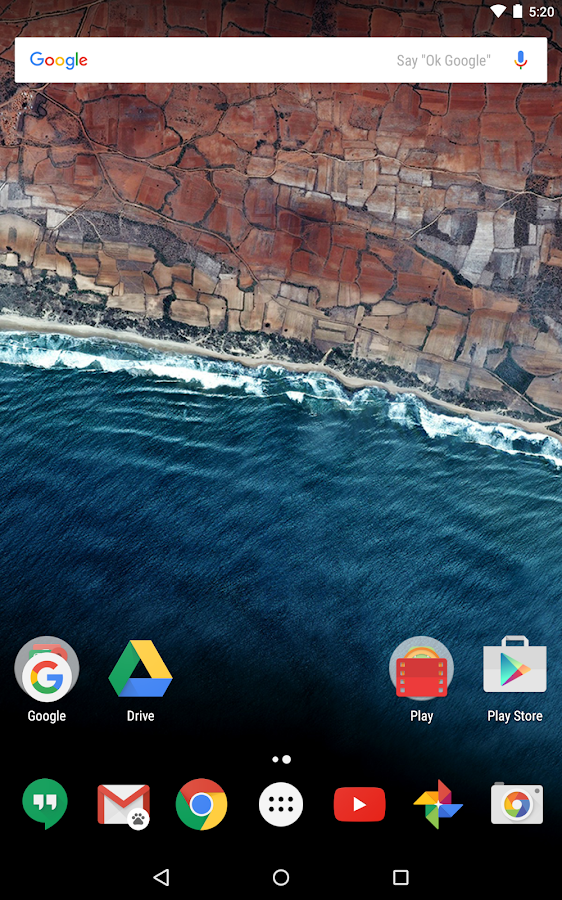
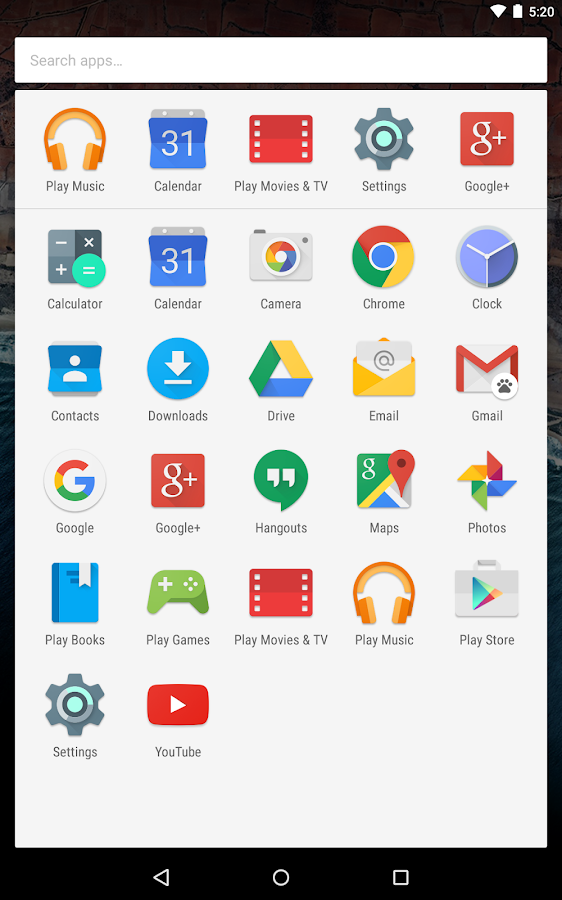
Install the Google Now Launcher (like Nexus) From Playstore. Make it your default launcher.

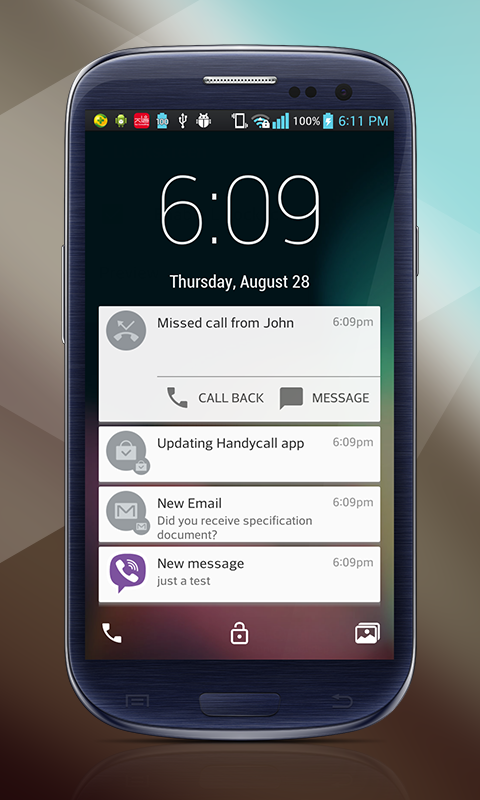
2. Lollipop Lockscreen


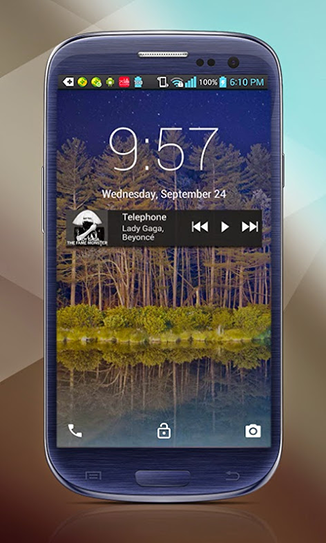
To get the whole Nexus feel you also need the lockscreen like it. For this install Lollipop Locksceen app moreover it has many customization features also.

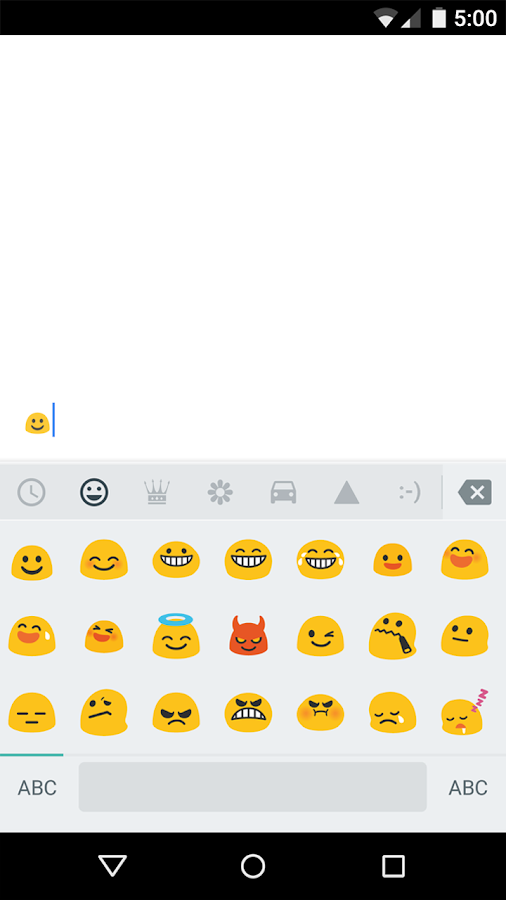
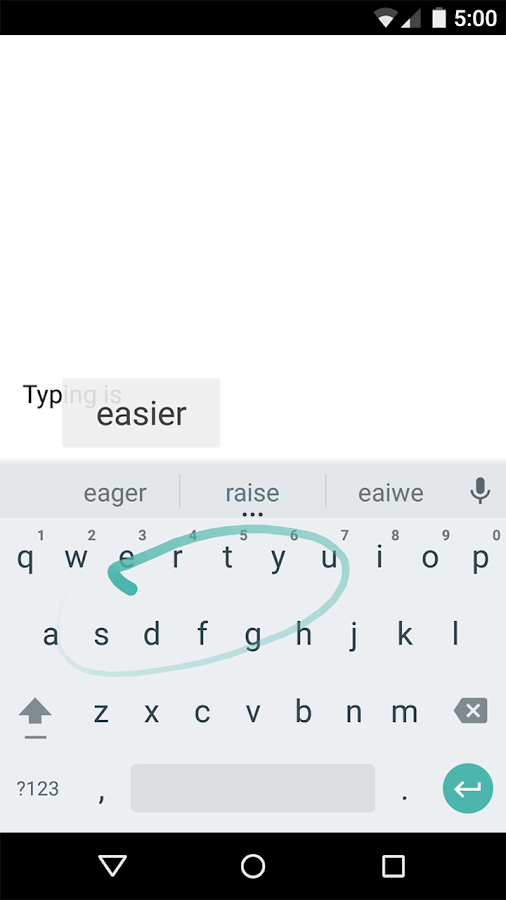
3. Google Keyboard


Maybe you'll be having this but if not this one of the best Keyboard cause It is a Google Keyboard. It have voice typing, gestures typing and best prediction and lots more.

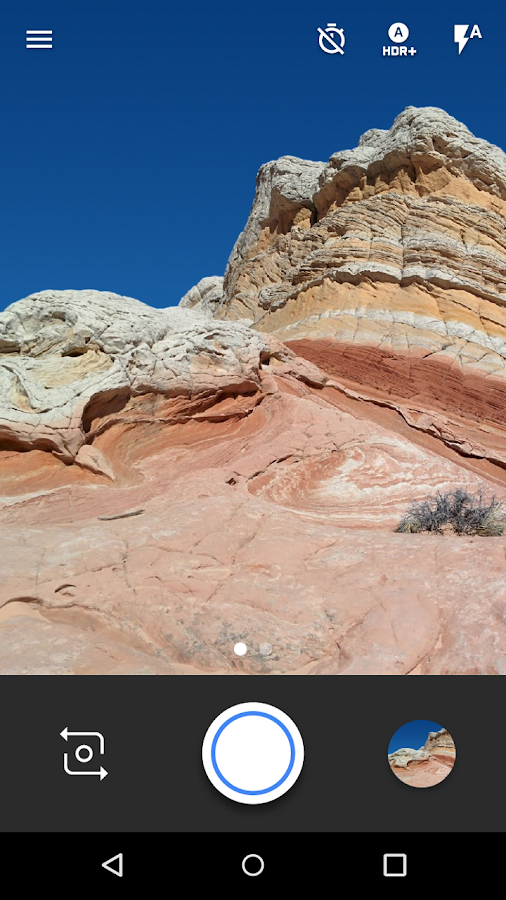
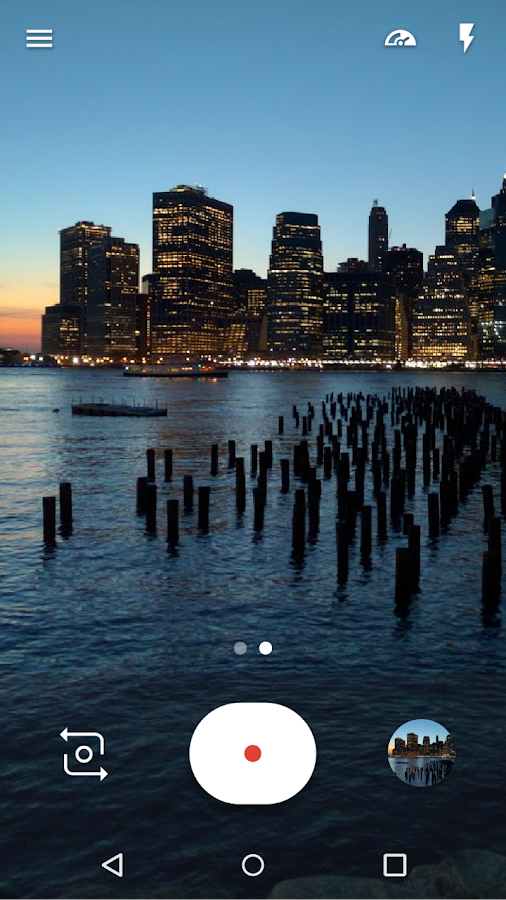
4. Google Camera


You'll be having stock camera provided by manufactures which is good but Google Camera has much more it's light and have some unique features.

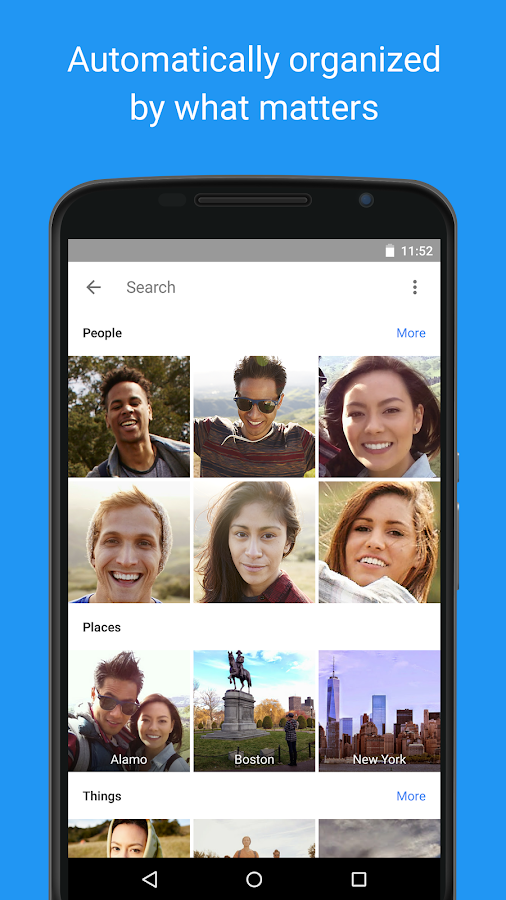
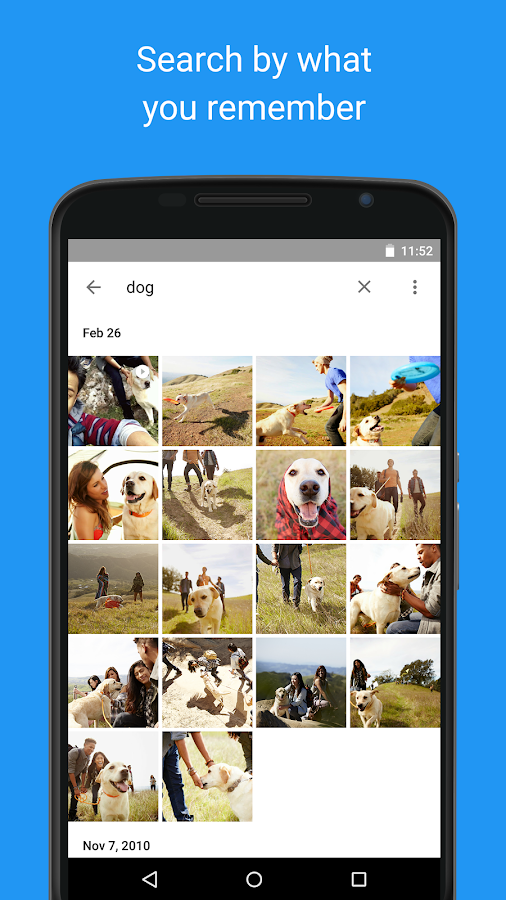
5. Google Photos


Photos is a best place to put your Photos which gives free online storage and an easy UI to manage your pictures.

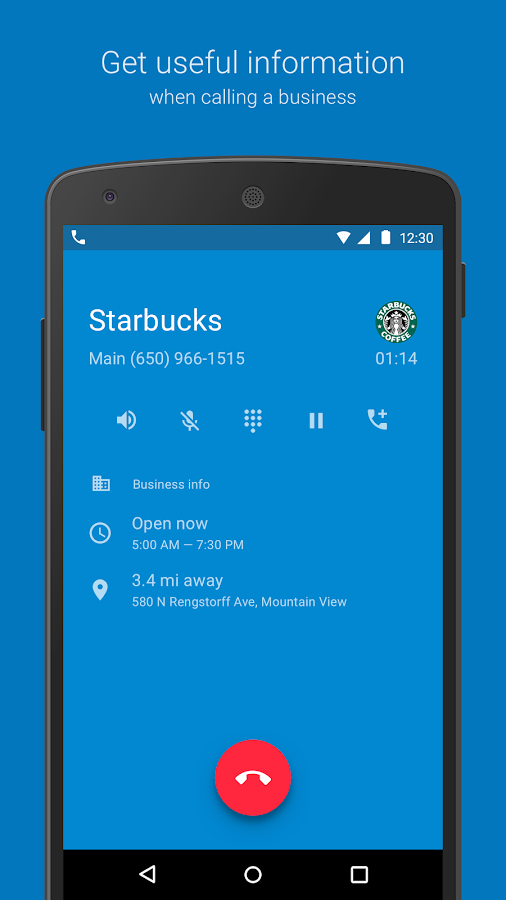
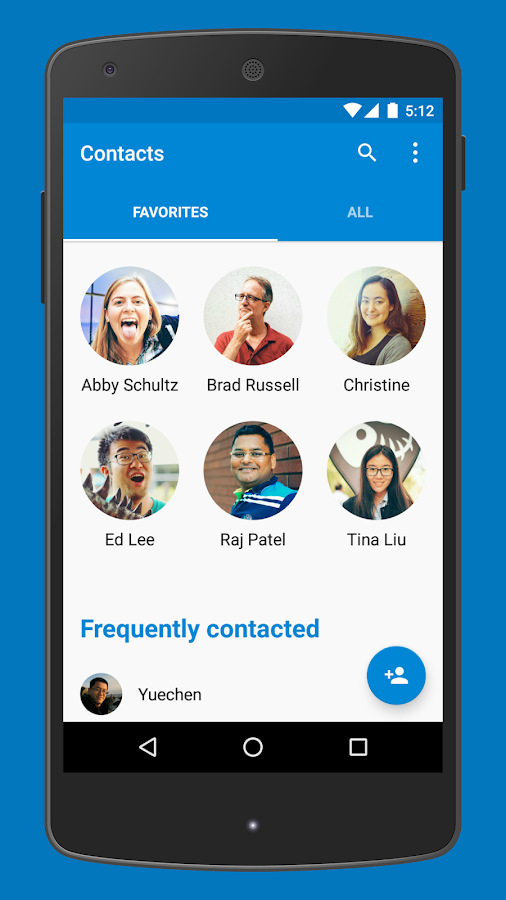
6. Google Phone & Contacts


To get more Nexus like experience we have Contacts and Phone Apps also but these are only compatible with Android Marshmallow devices only which are very few right now. But not having these will not make a huge difference.

Atlast you can also get some Nexus wallpapers from Google to make it like cherry on the top.
Although these thing will not change your settings menu and rest other user interface as it isn't a Nexus but we are almost like it :)

Enjoy the whole new Nexus Experience!
Have something? Don't hold it feel free to comment below.